Download started
Thanks for downloading!
Just a few steps left
Your download will begin automatically. If it didn't start, click here.
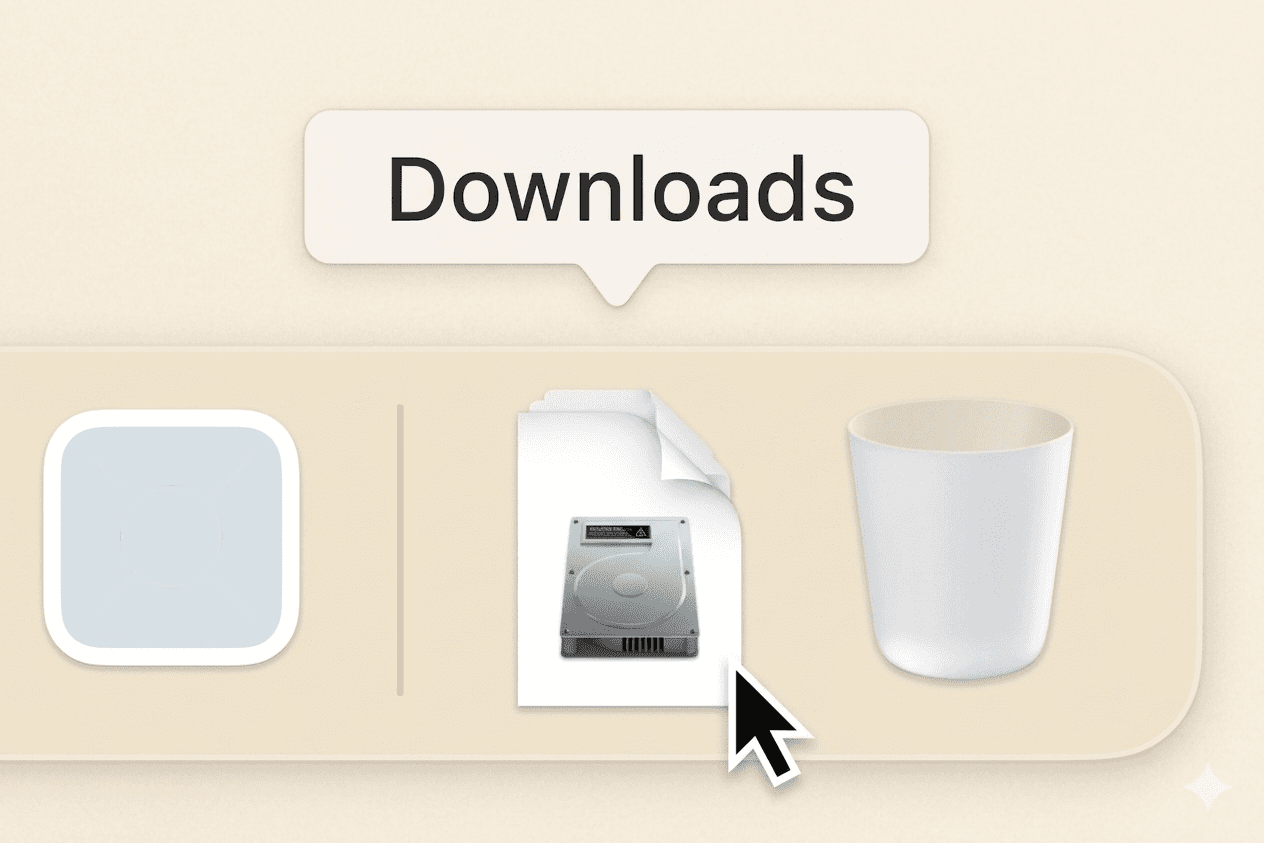
Open Sally.dmg from your Downloads folder
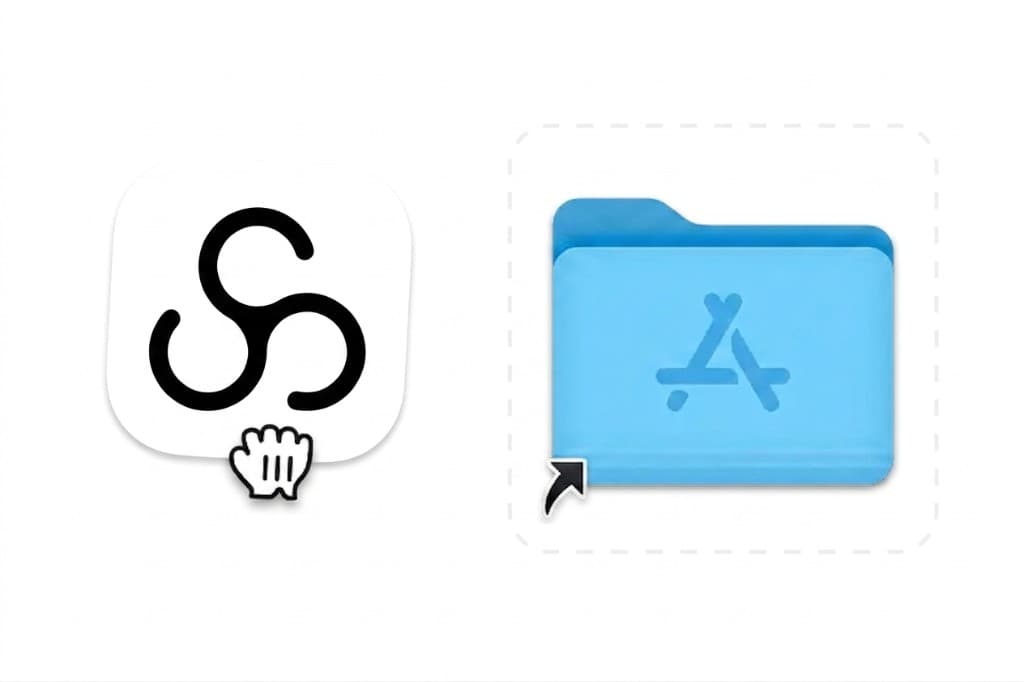
Drag the Sally icon into your Applications folder
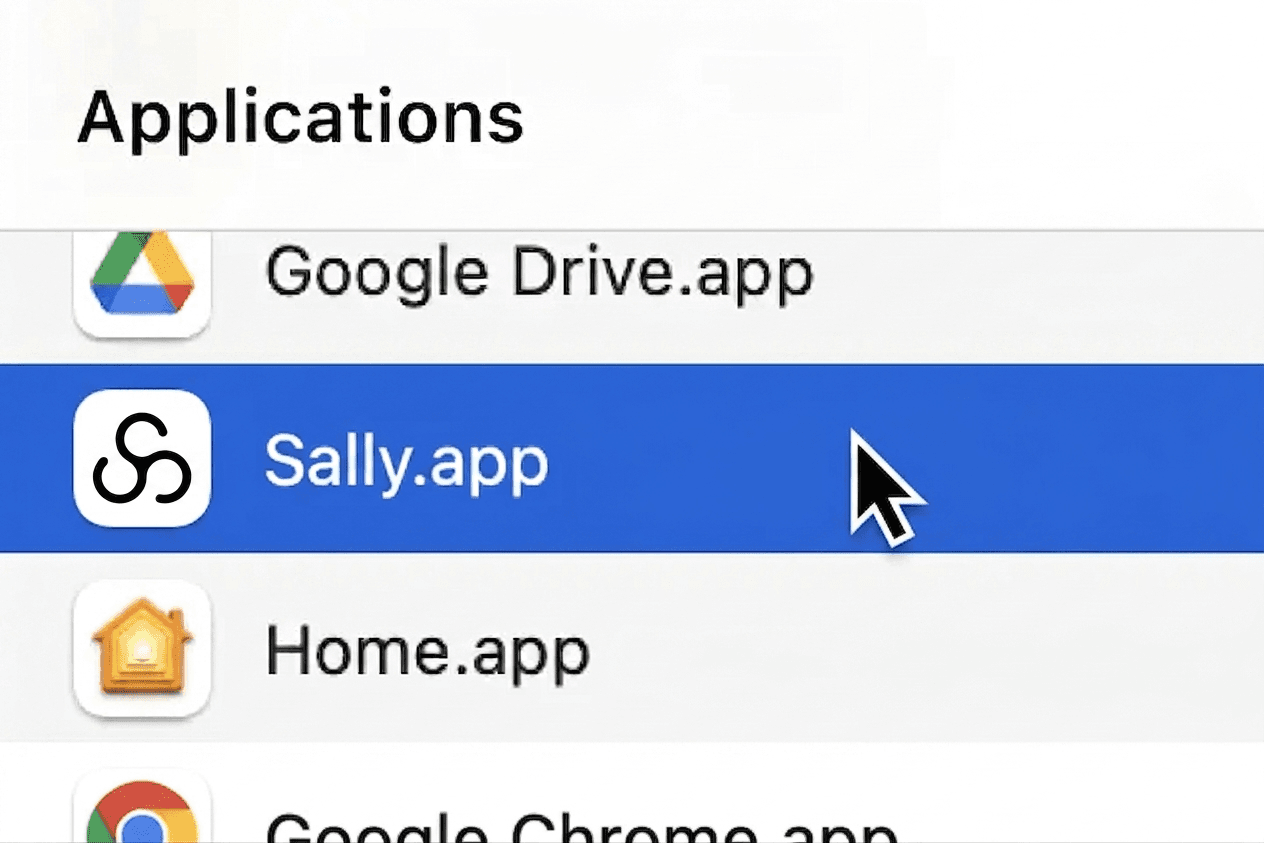
Open the Sally app from your Applications folder